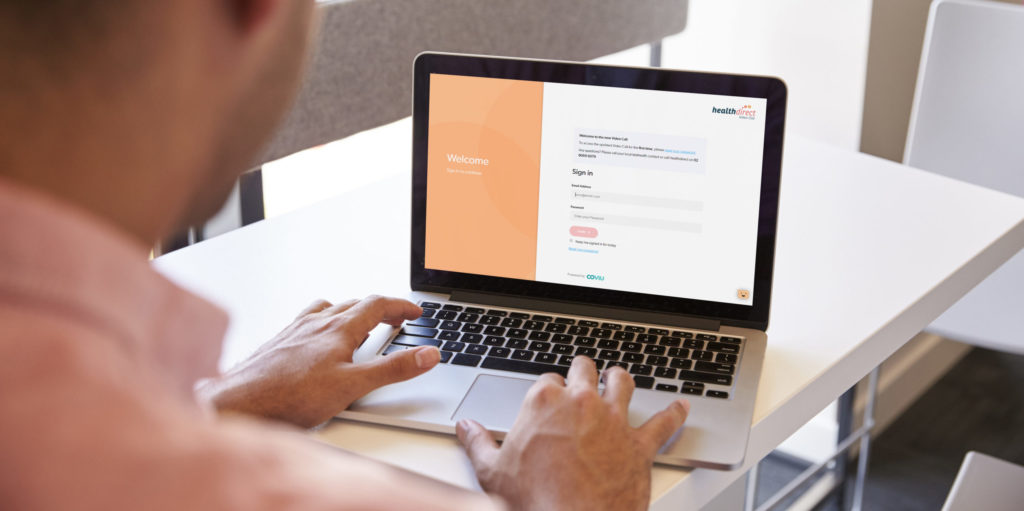
A telehealth appointment is, in many ways, just like any other specialist outpatient, or community appointment at Monash Health. Instead of driving to the hospital and meeting your clinician in person, you will be meeting on a screen. As with an in-person appointment, you will arrive and wait in a virtual waiting area until the clinician joins you. The consultation is delivered via a secure and private virtual clinic room. No part of the consultation is recorded nor is it shared with anyone that is not present.
Telehealth video call consultations can be joined at home or work. Sometimes you will be in a supported video consultation in partnership with your GP, or local specialist.
If you are booked in to see your clinician via telehealth, you will receive an appointment notification with the date and time of your telehealth video call consultation. Information on what you need and how to access your telehealth appointment, will be outlined in your appointment notification (SMS, email or letter). There are helpful resources on this telehealth website.